Design proposal · for review
Where did this picture come from?
You made 154 pictures for one shot. A week later, someone else opens the one you kept and asks how you got it. Right now the only answer is to ask you.
This tool makes your generative AI work portable and unpackable. It should take about 30 seconds, and it should let them pick up where you left off without starting over.
scenesmsh3n74g
packages16
images154
models4
style refs tried6
spend$3.39
window055241–062412
Every image and every number on this page is read from disk. Nothing is mocked.
01
Six words, so the rest of this page makes sense
I use these words throughout. Here is what each one means in plain terms.
Packagethe recipe
Everything that goes into one press of the button. The words you wrote, the pictures you fed in, which model, which settings. Change any one of those and it is a different recipe.
Attemptone press of the button
You press go once. That is one attempt. The provider charges you for that press and hands back whatever it hands back, sometimes one picture, sometimes sixteen. Your 4-press try that returned 16 pictures cost $0.32.
Pictureone image that came back
It gets a permanent ID. When one press hands back four pictures, the ID is how you point at this exact one.
Referencea picture you fed in
An input to the model: a style you want copied, a character who has to stay the same, a colour palette. Order matters to some models.
Provenancethe trail back
For any picture: which words made it, which references went in, which model, who ran it, when. When the trail is broken the page says so instead of guessing.
Branchstarting from someone else's picture
You see a picture you like and carry on from there. The tool remembers you started from that one, so the path back to it never gets lost.
▸ One thing worth saying twice: a package is the recipe, an attempt is cooking it once. The same recipe cooked twice gives you two different results, and that is normal.
02
How far out you can zoomFour zoom levels, and the contact sheet is one of them
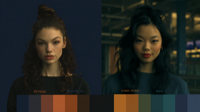
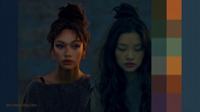
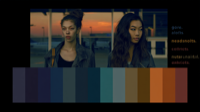
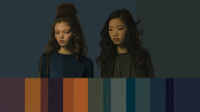
Everything below is one shot. You made 154 pictures trying 16 recipes, in about half an hour. A scene has 15 to 30 shots. The contact sheet below is the widest view, and it earns its place: you can see the whole run at a glance and the colour shifts alone tell you where the work turned. What the tool will not do is scatter those same pictures as loose boxes and arrows, because at this count that stops being a map and becomes a ball of wool. The map that does work is on screen three, and it groups recipes by the ingredients that went into them.
every picture from one shot · all 154 of them
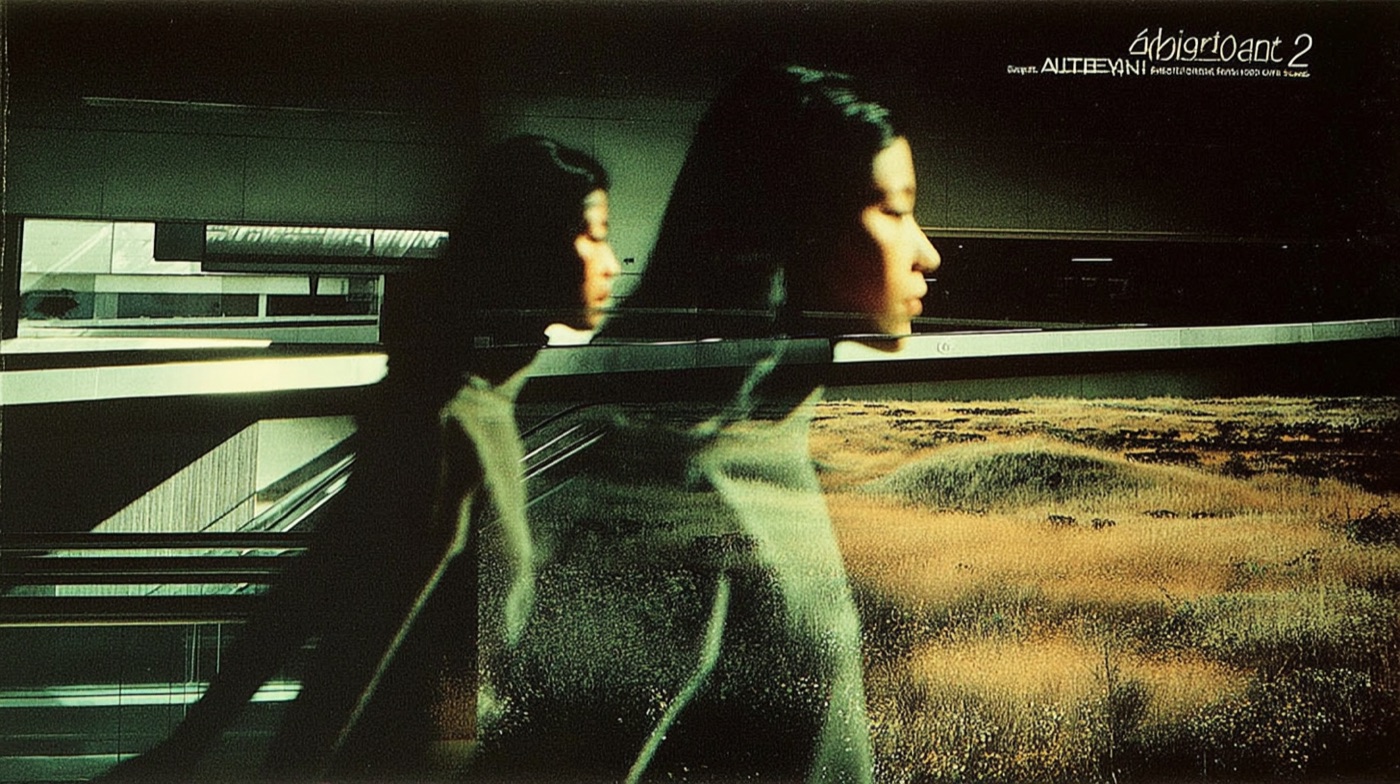
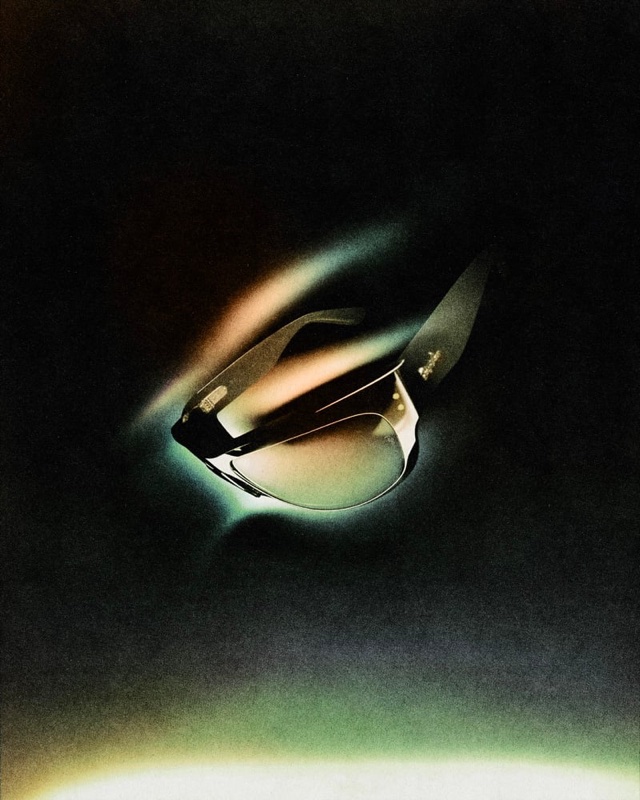
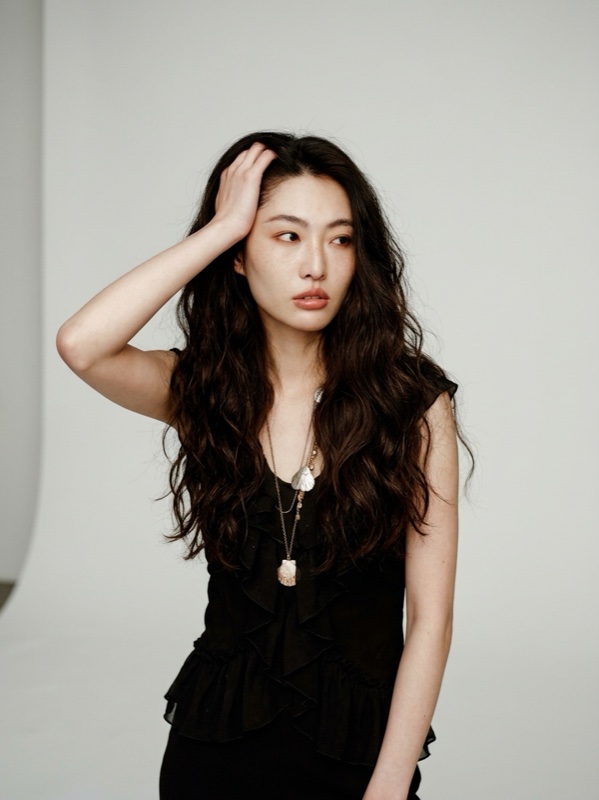
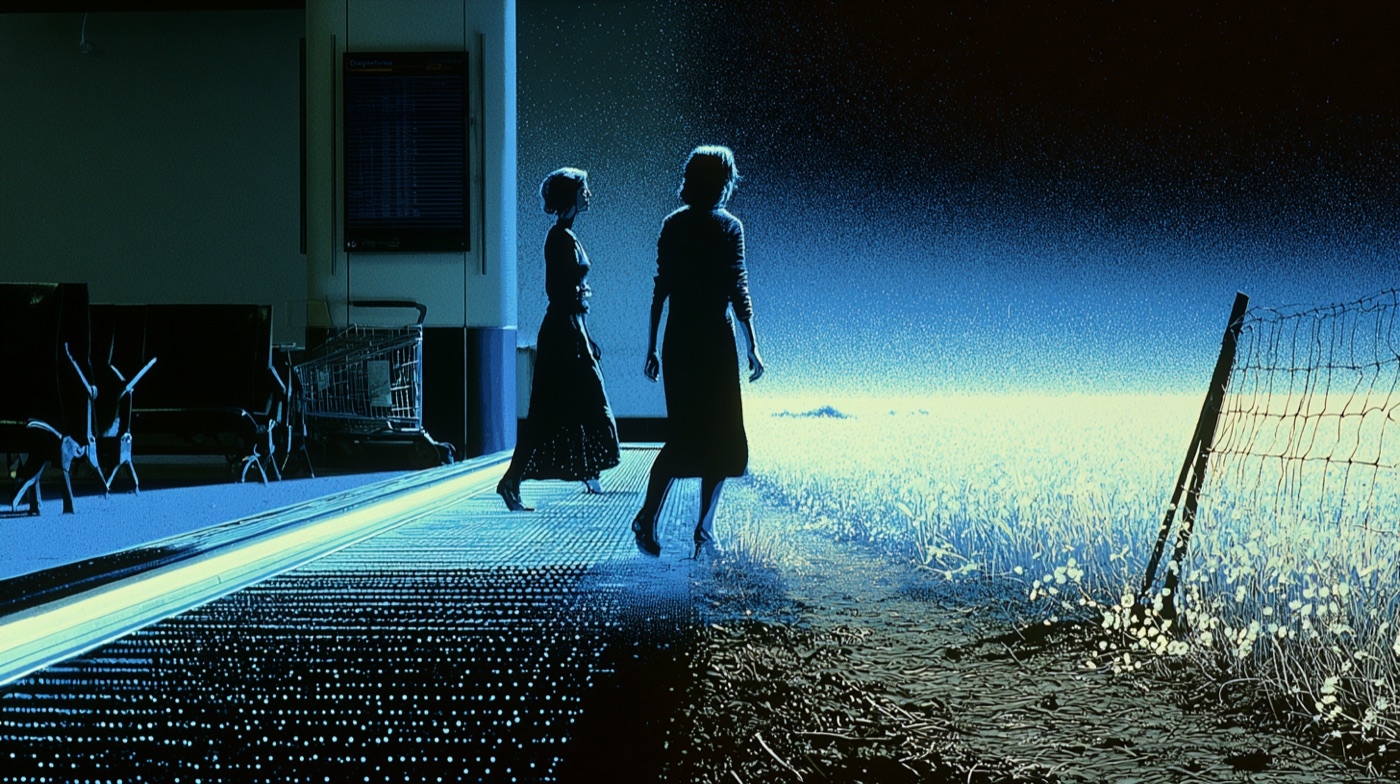
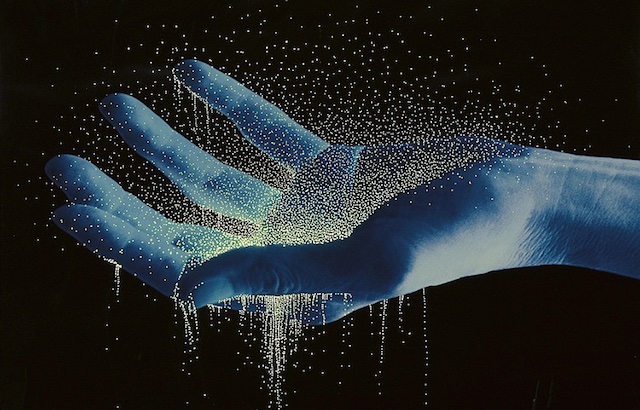
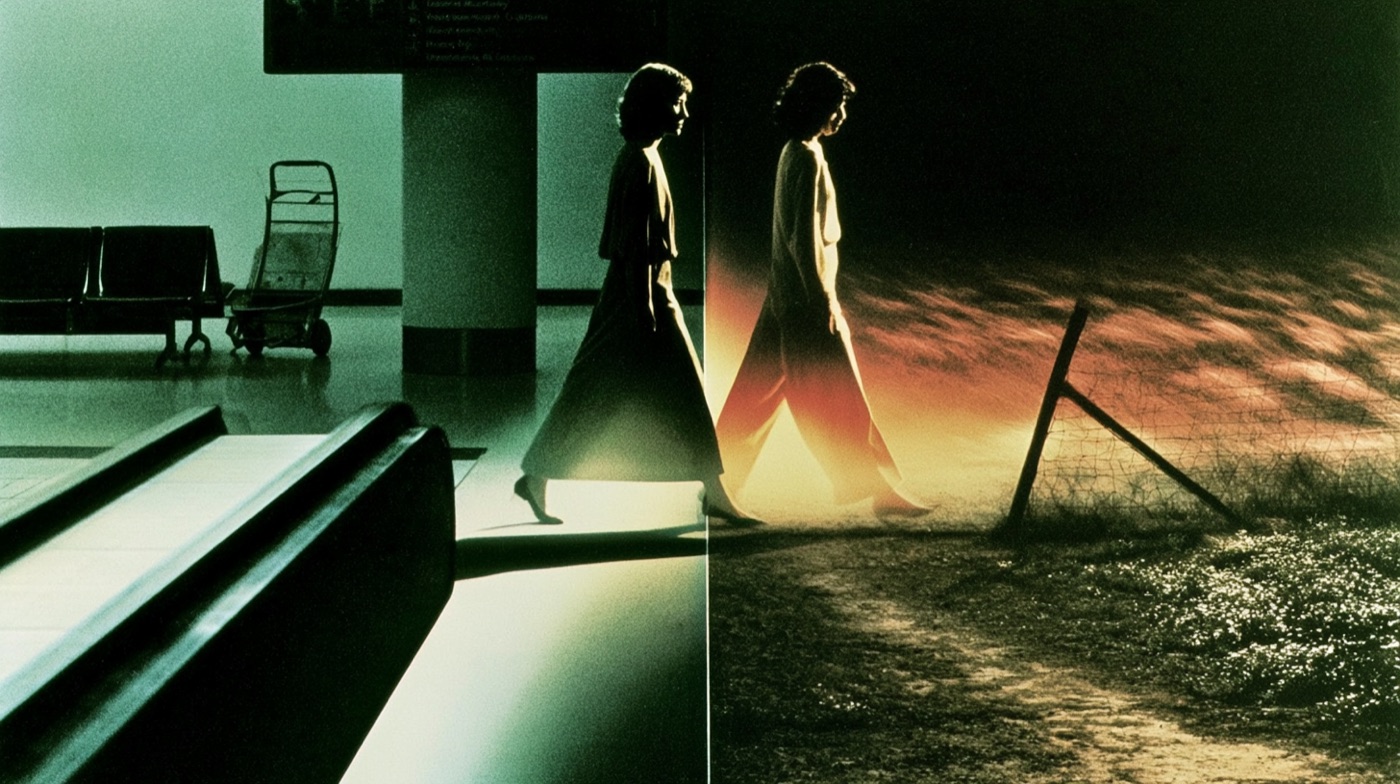
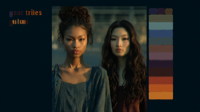
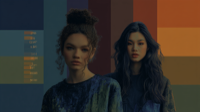
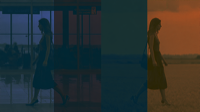
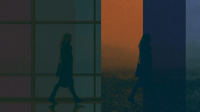
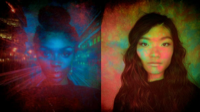
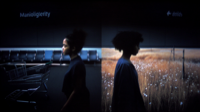
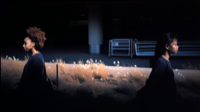
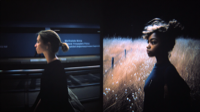
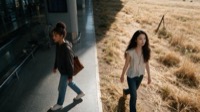
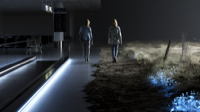
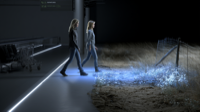
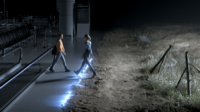
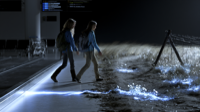
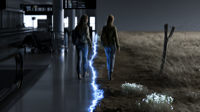
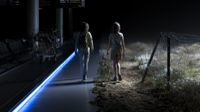
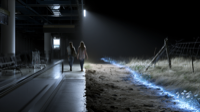
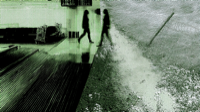
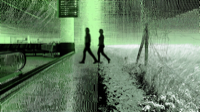
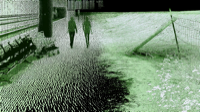
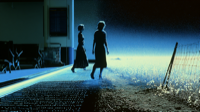
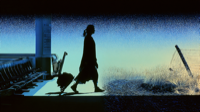
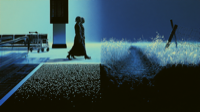
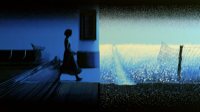
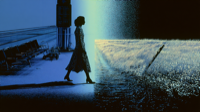
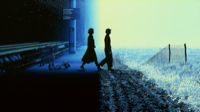
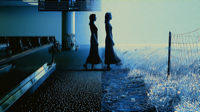
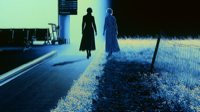
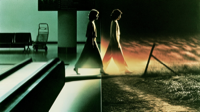
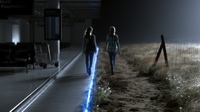
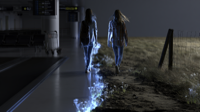
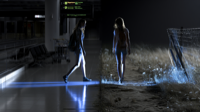
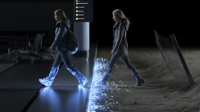
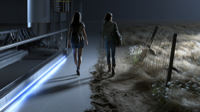
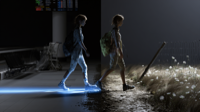
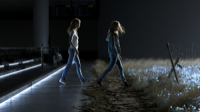
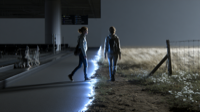
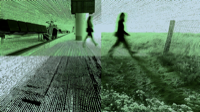
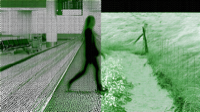
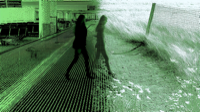
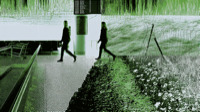
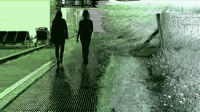
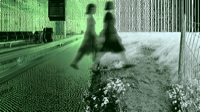
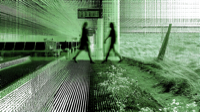
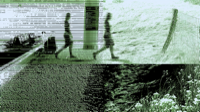
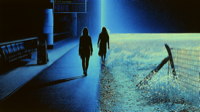
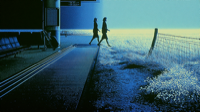
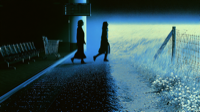
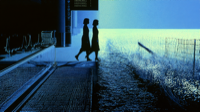
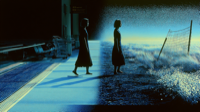
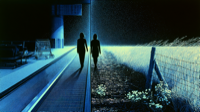
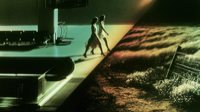
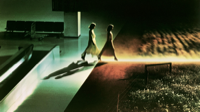
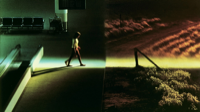
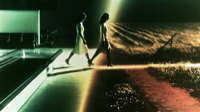
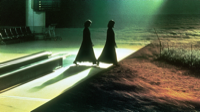
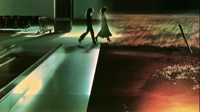
▸ Every picture here is one of yours, at real relative size. The contact sheet stays as a view in its own right. Reading it top to bottom you can watch the run move from portraits into the aurora experiments, then into the walking figures, and that is genuinely useful before you have read a single label.
03
Screen one: all your shotsWhich shots exist, and how each one is doing
One card per shot. The picture on the card is the one you kept. If you have not kept one yet, the card says that instead of showing you a random pick.
all your shots · your one real shot, plus the states a real board has to show
▸ Every card says how much of the trail it has. All 16 of your real ones say partial, because they were made before the tool started recording what came from what. Saying so is better than looking complete and being wrong.
04
Screen two: inside one shotWhat you tried, in what order, and what is still alive
This is the screen you would live in. Time runs left to right. Each column is a burst of tries. Inside a column, recipes that only differ a little get stacked together, so 154 pictures read as about a dozen decisions instead of a wall.
inside one shot · your 16 real recipes
group 105:52
midjourney-v7d046452a
3 refsstyle c1473c
midjourney-v8ce781146
2 refsstyle c1473c
group 205:57
midjourney-v8304b1513
1 refstyle c1473c2 triessame recipe, other model
midjourney-v7aa39be39
2 refsstyle c1473c2 tries
krea-2-large304b1513
1 refstyle c1473csame recipe, other model
group 306:04
midjourney-v84c430985
1 refstyle 2d9f67same recipe, other model
midjourney-v7315ca06a
2 refsstyle 2d9f67same recipe, other model
group 406:07
krea-2-large4c430985
1 refstyle 2d9f67same recipe, other model
seedream-5-pro315ca06a
3 refsstyle 2d9f67same recipe, other model
group 506:11
midjourney-v82759f3a1
1 refstyle fe5d5f
midjourney-v87656bb74
1 refstyle 9647c1
group 606:21
midjourney-v8c7f1e92c
1 refstyle f6d649
midjourney-v8c9e21e5c
1 refstyle f1f082
midjourney-v7252f82b4
2 refsstyle f1f082
▸ The columns say “group”, not “round”, and that is deliberate. Nothing in your data records where a round started. I worked these out by looking for gaps of more than two minutes. That is a guess, so the page calls it a guess. The day you tell the tool when a round starts, it becomes a fact and the label changes. Question 3 at the bottom is about exactly this.
▸ Two things fell out of your real data with no guessing: 2 recipes you ran more than once, and 3 recipes you ran on more than one model. That second kind is the only fair comparison here, because the words stayed put and only the model moved.
05
Screen three: the mapWhich recipes share ingredients, and when you tried them
You cannot pick what to compare by looking at thumbnails. Two pictures can look identical and share nothing. Two pictures can look completely different and come from almost the same recipe. So this map places recipes by what went into them. Each row is a set of recipes built on the same style picture. Position along the row is the actual time you ran it.
the map · 16 recipes, 6 ingredient groups, real times
05:5231 minutes of work06:24
style c1473c7 recipes
50 pictures
mj-v7
8 pics
mj-v8
8 pics
mj-v8
8 pics
mj-v7
8 pics
mj-v8
8 pics
mj-v7
8 pics
krea
2 pics
style 2d9f674 recipes
24 pictures
mj-v8
8 pics
mj-v7
8 pics
krea
4 pics
seed
4 pics
style fe5d5f1 recipe
16 pictures
mj-v8
16 pics
style 9647c11 recipe
16 pictures
mj-v8
16 pics
style f6d6491 recipe
16 pictures
mj-v8
16 pics
style f1f0822 recipes
32 pictures
mj-v8
16 pics
mj-v7
16 pics
keptshares a character sheet with another rowleft to right = when you ran it
▸ This is the thing thumbnails cannot tell you. character_sheet 33a5bb appears under style 2d9f67 and c1473c; character_sheet 1ae6ae appears under style 2d9f67 and f1f082. Those recipes are relatives. Their pictures look nothing alike, so you would never have paired them up by eye, and this is exactly the pair worth opening side by side.
▸ Right now this map shows family resemblance, not descent. It knows these recipes share ingredients because the ingredients are written down. It does not yet know which one came from which, because nothing recorded that. Once the tool starts writing down what you branched from, real arrows appear on top of these rows and it becomes the tree you described.
06
A mode, not a screen: line them up by modelOnly earns its place when you are running more than one model
You flagged that this one is niche, and you are right, so it drops from a top-level screen to a mode you switch on. Each row is one recipe, each column one model, and a dash means you never ran that pairing. On this shot it happens to be worth showing, because you ran four models and three recipes crossed between them.
lined up · your real recipes across your real models
| recipe (and what went in) |
midjourney-v7 |
midjourney-v8 |
krea-2-large |
seedream-5-pro |
304b1513fc styl·c1473c
same recipe, other model
|
— |
|
|
— |
4c430985b1 styl·2d9f67
same recipe, other model
|
— |
|
|
— |
315ca06ab3 styl·2d9f67 char·33a5bb
same recipe, other model
|
|
— |
— |
|
d046452a33 styl·c1473c pale·406bae char·33a5bb
|
|
— |
— |
— |
ce7811467e styl·c1473c pale·406bae
|
— |
|
— |
— |
aa39be3923 styl·c1473c char·33a5bb
|
|
— |
— |
— |
2759f3a1be styl·fe5d5f
|
— |
|
— |
— |
▸ Only the rows marked same recipe, other model are worth comparing, and even those are rough. The words stayed the same, but the reference pictures did not, and neither did the time of day or the model version. So the tool should work out for itself whether two tries really differ by one thing, and tell you when they do not. Guessing that by eye is how you fool yourself.
07
Screen four: one picture, everything about itThis is your Shot Details, with one amendment
You asked whether this should be what opens when you click Shot Details on screen one. Yes, and here is the wrinkle worth deciding now. A shot holds many pictures, so Shot Details has to pick one. It should pick the one you kept, since that is the shot's answer, and it should carry the shot's totals alongside it: how many recipes, how many pictures, what it cost, who worked on it. That gives you two different clicks on the same card. Clicking the picture takes you into the work on screen two. Clicking Shot Details gives you the record. If nothing has been kept yet, it opens on the totals with the picture slot empty.
one picture · everything recorded about it
kept as the finalby bradleysome of the trail
Remix recipeUse as referenceCompare…
style f1f08240 ─┐
char_sheet 1ae6ae0d ─┼─▶ this attempt ─▶ 16 outputs
parent ─ not recorded
▸ One step back and one step forward. Never the whole shot. The line for what this came from is empty, and it says so so you know it is missing.
| this picture | 461038eca0c1362f |
| this try | 20260806T062412Z_midjourney-v7 |
| this recipe | 252f82b4acdea442 |
| model asked for | midjourney-v7 |
| model that ran | — not written down |
| who ran it | midjourney |
| their job number | — not written down |
| seed | None |
| times pressed | 4 |
| pictures back | 16 |
| cost | $0.32 |
the pictures you fed in, in the order you fed them
position 1
style
f1f082404f4e
position 2
character_sheet
1ae6ae0d4a47
▸ Never tidy this list into alphabetical order. With Midjourney the last style picture wins, so swapping these two slots gives you a different picture. The order is part of the recipe, not a display choice.
▸ The seed line above is wrong, and I left it wrong on purpose so you can see it. It says this picture has no seed. It does. Midjourney tucks the seed inside the text instead of a proper field, so a plain yes-or-no answer gets it wrong. This matters because whether a model can repeat itself decides which comparisons the tool is allowed to offer you.
08
Screen five: what changed between these twoThe one nothing else does
Two tries, words that changed on top, pictures underneath. The part you flagged as missing is how you get here. You cannot choose a pair by squinting at thumbnails, so the way in is the map on screen three: find two recipes that share ingredients, then open them here. The map is the selector and this is the reading room.
diff · 20260806T062146 ↔ 20260806T062349 · the real difference in your words
you changed 6 things at once, so this proves nothingmediumcolour gradefilm stocklenslightingstyle picture
A · c7f1e92c77style f6d6497e
illustration | digital painting | medium
Color Grade ("Cyanotype Drift"):
pure black shadows, ink-navy | low midtones, S-curve, steel-blue | soft roll-off, pale seafoam | moderate saturation, navy-to-mint split
digital | unnamed (low) | fine luma noise, low density | bloom, mild compression
unnamed spherical (low) | 85mm | f/4, deep focus, small round highlights | soft overall, diffused edges, halo bloom
single raking key from upper left, diffused | soft, gradual shadow edge | 8:1, no fill, crushed blacks | rapid fall-off to void
B · c9e21e5c3bstyle f1f08240
live action | photograph | high
Color Grade ("Petrol Halo Bloom"):
black at 2, petrol-teal shadows | midtones low, S-curve, ochre skinless metal | roll-off to cream and sodium amber | saturation restrained, teal-versus-amber split extreme
film | unnamed push-processed color negative (low) | coarse grain, heavy in shadows, chroma-speckled | halation, bloom, edge chroma bleed
unnamed spherical (low) | 90mm | wide aperture, shallow plane, smeared oval highlights | soft overall, heavy diffusion, veiling glow, long fall-off
single hard raking key, low left, specular | hard, shadow edge dissolving into haze | 12:1, no fill, shadows crushed to black | fall-off immediate, background unlit
▸ That orange warning is the whole point of the screen. These are two of your real tries. Between them you changed the medium, the colour grade, the film stock, the lens, the lighting and the style picture. Six things. So you cannot say which one did anything. Real work almost never changes one thing at a time, and a tool that laid this out as a neat before-and-after would be quietly teaching you something false. It should say so, then offer to run the test that would actually settle it.
09
How you would actually use itFour jobs. The first one is how we judge whether any of this worked
If someone cannot do the first one, nothing else matters.
Someone picks up your workthe test, about 30 seconds
they landA shared link opens on the picture you kept.
they readThe words you actually sent, the pictures you fed in and in what order, the model, what it cost.
they place itOne click on “came from” drops them into the shot, at the right spot.
doneThey carry on without messaging you.
Carrying on from a picturetwo buttons, never one
they chooseRemix recipe copies the recipe and leaves the picture out. Use as reference copies the recipe and feeds that picture in.
it is written downBefore anything renders, so a crash cannot lose it.
it runsThe new try already knows where it came from.
it shows upAs a new strand inside the shot, with their name on it.
Comparing two trieswhere you see what you explored
openA shot, then a burst of tries, then the line-up.
pick twoAny two.
lookWords that changed on top, pictures underneath.
judgeIf only one thing moved, compare away. If six moved, it says so.
Keeping onesay what you are keeping it for
pickAny picture, from any screen.
say whyThe final for this shot. A style to reuse. Something to show a client. Not a generic star.
it is recordedEach decision is added to the record.
it shows upOn the shot card. Changing your mind adds a new note rather than erasing the old one.
10
How the tool decides two recipes are relatedAnd why it will never put a similarity score on your words
The map groups by ingredients because ingredients are written down. Words are harder, and getting this wrong would quietly teach you something false.
Measuring how much text changed is the wrong measurement
Take your two recipes from the compare screen. They differ in medium, colour grade, film stock, lens, lighting and style picture. Compared as whole blocks of text they score 0.893 similar, which reads as nearly identical. Scoped to the one section that actually moved, they score 0.355. The template swamps the signal.
One word can carry the whole shot
Swap black for asian and a different person is standing in the frame. Swap fast for slow motion and the shot reads differently end to end. Off-the-shelf text-similarity models score those swaps as almost no change at all, because they are built to treat that kind of substitution as a rephrasing. They are answering a question nobody here asked.
So the rule is: show the words that changed
A number like 0.94 sitting beside two recipes tells you they are basically the same. Sometimes they are the same, and sometimes one word turned the whole shot over. You can read black → asian and know immediately which case you are in. The tool shows you the change and leaves the judgement with you.
The question actually worth asking
Small change, big difference in the picture. That pair is the most useful thing in your whole archive, because everything else stayed still by accident, which is as close to a fair test as real work ever gets. It is also the pair a similarity ranking would bury, because it looks like a near-duplicate.
the pair finder · drawn empty, because the data for it does not exist yet
nothing plotted here is real, and nothing can be yet
how different the pictures are
the good corneryou barely touched the words and the picture changed completely. open these.
expectedyou rewrote a lot and got something else. tells you little.
steadysmall edit, same result. the words you changed did not matter here.
worth knowingyou rewrote it heavily and the picture barely moved. that effort was wasted.
the boring diagonal
one word changedhow much of the text you changedrewritten
▸ Two things have to exist before this can be filled in. None of your generated pictures have been measured yet, so the tool has no way to say how far apart two outputs are. And the same recipe run twice already gives different pictures, so there is a natural amount of wobble that has to be measured first, or every pair looks like it diverged. You have exactly two same-recipe repeats in this shot to estimate that from, which is thin.
11
How this feeds back into making thingsThe part that makes it worth building at all
You said this is not urgent, so here is the thinking rather than a spec. The point of the whole thing is that someone opens your work, finds a picture that landed, and starts from its recipe. That has three consequences and they all point the same way.
The recipe has to travel without the picture
A kept picture is a starting point, so its recipe has to come away clean and run again on its own. That is what the Remix button is. It also means the map should filter down to kept recipes only, which for someone arriving cold is probably the most useful view in the tool: here are the doors you can walk through.
The ingredients have to still be there
A recipe that cannot run is a museum piece. Your style pictures currently live at file paths and temporary web links, and temporary links expire. A shelf of starting points that fail when you press go would be worse than having no shelf, so keeping a permanent copy of every ingredient stops being tidiness and becomes the thing that makes branching possible.
New work lands next to what it came from
When someone branches from a recipe, their attempt inherits most of its ingredients, so on the map it appears right beside the thing it grew from. The map thickens around the work that succeeded. That is the tree you described, and it only draws itself once the tool writes down what each try branched from.
▸ This is the strongest argument yet for recording the branch link on day one. Everything above works the moment it exists, and none of it can be reconstructed later. The 120 recipes you already have will never grow arrows, because nothing was watching when you made them.
12
Labels the tool has to carryEach one changes what the tool is allowed to tell you
These are not decoration. Get one wrong and the tool starts making promises it cannot keep.
| label | what it can say | why it has to exist |
| how much trail | all of it · some of it · none of it | All 16 of your real ones are some of it. A label is cheaper than a wrong answer. |
| can this model repeat itself | no · takes a seed · tells you the seed · usually repeats · proven to repeat | A plain yes-or-no already gets Midjourney wrong. This decides whether the compare screen is allowed to offer you a real test. |
| how you carried on | ran it again · copied the recipe · used the picture · combined two · started fresh | Copying a recipe and feeding in the picture are different things. Lumping them together hides that an input changed. |
| why a strand stopped | you dropped it · the round ended · it has gone quiet | A strand with nothing after it might be rejected, unfinished, or just resting. Three different meanings. |
| what a try is doing | queued · running · finished · failed | Where it came from is written down before it runs, so a crash leaves a try you can recover instead of a picture with no history. |
13
Four things I am refusing to buildAnd why each one would hurt you
These are the real decisions in this proposal. Everything else is layout.
1. No loose scatter of every single picture
I had this one too broad and you were right to push. A map is fine when distance means something recorded. Screen three is a map, and it works because the rows are ingredients written down in the receipts. What stays banned is the other thing: 154 individual pictures floating in one space, positioned by a physics simulation. That looks authoritative while being unreadable, which is the worst combination.
the distinction is whether position carries a recorded fact or a layout accident
2. Nothing sits near anything else by accident
You already have a 3-D graph that drew five tidy clusters. They looked like taste. They were just which board the pictures came from, with nicer names. Two pictures sat together because of where they were saved, not because they looked alike. When a layout pushes things together, people read meaning into it.
found by auditing your own viz3d clusters
3. No leaderboard of which reference works best
You would only be counting the ideas you chose to keep pushing. You stop early on the ones that look weak, and you change the words at the same time as the pictures. A ranking built on that is wrong, and it is convincing, which is the bad combination. The tool reports counts with their totals beside them and leaves ranking alone.
history can tell you what happened. only a test you set up on purpose can tell you what caused it
4. No similarity score on your words
The tool shows which words changed and stops there. A score would put a one-word swap and a full rewrite on the same scale, and those two behave completely differently. Section 09 has the numbers from your own recipes.
a similarity number is a leaderboard with a decimal point on it
14
The lookTwo options, both already yours
I used the cream one, because this screen would sit right next to the tool you already use every day and it may as well match. The dark one is here so you can tell me I picked wrong.
cream and blackwhat I used
cream page, black text
purple = where you are
green = done
these are the exact colours your
package tool already uses
The purple and green already mean the right things in your other screens, so nothing new to learn.
dark grey and goldthe other option
dark grey page, off-white text
gold marks the thing that matters
this is your idea-harvest page,
built for picking through
thousands of things
Honestly a fair claim, since it was built for exactly this kind of sifting. It just belongs to a different project.
15
Five questions for youYou can answer these without reading anything above
Q1
Which look do you want?
Cream page with black text, like the tool you already use. Or dark grey with gold, like your idea-harvest page. I built the cream one. Either is a day of work, so pick on taste, not effort.
Q2
What should be on screen when you open it?
All your shots as cards, so you choose where to go. Or straight into the shot you were last working on. I guessed the second one, because you tend to sit inside a single shot for hours. If that is wrong, say so.
Q3
Should the tool guess when a new round starts, or should you tell it?
Right now it guesses by looking for gaps of more than two minutes, and it admits it is guessing. The other way is a “new round” button you hit before you start. One extra click buys you a fact.
Q4
The compare screen: early or late?
It is the only thing here nobody else has, which argues for building it first. It is also the one that can confidently show you a pattern that is not real, which argues for building it last, once the record underneath is solid.
Q5
Lots of small pictures, or fewer big ones?
This page is packed on purpose, so you can see a whole shot at once. The trade is that every picture is small. If you would rather see six big ones than sixty small ones, that is a different tool and now is the time to say.